

Expedited clarification
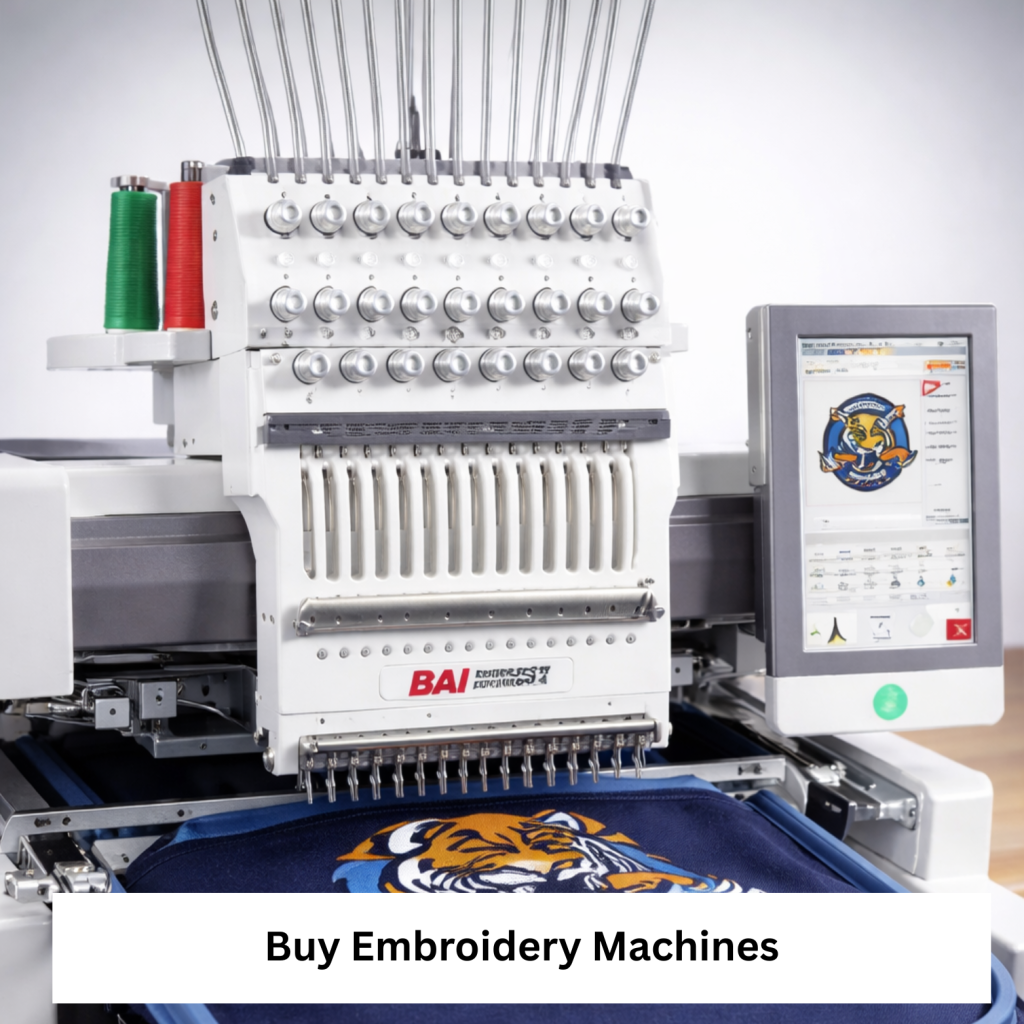
An embroidery machine is a special type of sewing machine that stitches patterns on materials automatically.
When you purchase embroidery machines, you are going to get precision stitching, a machine that saves time and the ability to create custom designs.
What motivates people to buy embroidery machines?
- design personalised logos monograms and gifts
- Launch or expand your small embroidery enterprise.
- It’s quicker than doing it manually.
- Get professional looking stitches consistently.
- Broaden your creative possibilities beyond sewing.
If you are ready to buy embroidery machines, this guide will help you select the right one based on your experience, budget and goal.
Who This Suits Best / Who This Does Not Suit
Most Suitable
- People who want to customize gifts and home décor.
- Small business owners who create apparel.
- Quilts ornament stitching
- Embroidery machine for crafters.
- Entrepreneurs launching a home embroidery service.
Not meant for
- Those who only require basic mending or straight stitching.
- Clients with very little space.
- One who is not willing to learn any basic software related to design.
- Users requiring industrial-level manufacturing from the start.
Different types of embroidery machines to choose from
Before purchasing an embroidery machine, know the categories.
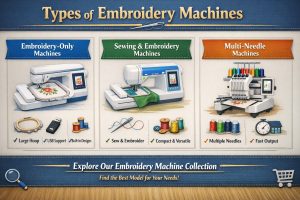
1. Machines that only do embroidery
- Only focus on embroidery.
- Big embroidery area.
- Constructed with design in mind.
- Most suitable for: Devoted embroidery tasks or minor custom industries.
2. Sewing and embroidery machines
- They work as both sewing and embroidery machines.
- More useful for home work.
- Save Spaces
- Most suited for a mix of sewing and embroidery users.
3. Multi-Needle Embroidery Machines
- Simultaneously loads multiple thread colours.
- Quicker hue shifts.
- More efficient work.
- Most appropriate for: Logo works and small commercial production.
If you are making comparisons, you can Explore our Collection of Embroidery Machines, which has models classified according to function and capacity.
Which Type Suits Your Needs?
| Product Type | Best For | Key Features to Look For | Notes |
| Embroidery-Only | Design-focused users | Large hoop size, USB support, built-in designs | Usually easier to operate |
| Sewing + Embroidery Combo | Home creators | Multiple stitch types, dual functionality | Great space saver |
| Multi-Needle | Small businesses | Multiple needles, fast stitching speed | Higher upfront investment |
These are the primary concerns of buyers when they search online.
- What size hoop do I need?
- Easy-to-follow?
- Is it possible for me to upload my designs?
- What is the space required?
How do single needles differ from multiple needles?
Let us take a look at those
- Choosing the Appropriate Size of Embroidery Field.
- The size of the embroidery field determines the size of design you can stitch out on the embroidery machine without having to re-hoop your fabric.
- Small (4′”x4′”) field, especially for monograms or small logos
- Medium field (5”x7” or 6”x10”) → Suitable for various clothing devices.
- Large field (8″ x 12″+): jackets, back designs, large décor.
- If you are going to sell an embroidery hoodie or jacket, a bigger field saves time.
Essential Features to Look For in an Embroidery Machine
1. USB or Wi-Fi design transfer
You can easily upload a custom design.
2. Integrated Design Resource Collection
Beginners who aren’t ready to digitize their own designs will find this handy.
3. Self-Acting Thread Cutter
Saves time and improves finishing quality.
4. Touchscreen LCD
Easier to edit and arrange designs.
5. Functions of Editing
- Alter, turn, reflect and join the patterns on the machine.
- While you’re looking at models, check Best Sellers to see what features buyers like most.
Checklist for Buyer
- Verify before purchasing embroidery machines.
- Space Dimensions Available
- Size Of Embroidery Field Required.
Cost range
- Starting versus advanced capability level.
- USB or wireless connection option.
- The quantity of pre-loaded designs.
- Capable of lettering or monogramming
- Guarantee coverage
They have Replacement Hoops Available
- Compatibility of software.
- Simple to maintain.
- Sound Level (for home use).
- Opportunity for a multi-needle upgrades
- You can either get support or get tutorial help.
Mistakes to Stay Away From
1. Getting a hoop that is too small
Most beginners fail to foresee future needs.
2. Not checking software compatibility
Not every type of machine support every file.
3. Paying too much for empty features
Unless you are a professional, you probably don’t need industrial specs.
4. Forgetting expenses on upkeep
Thread, stabilizers, needles and hoops total up.
Situational Suggestions
- Homegrown for Hobbyists.
- Select a sewing machine that can also embroider.
- Size of the hoop is medium.
- Included character sets
- Touchscreen interface, simple.
- For sellers of Etsy and small business
Search for
- Big embroidery area.
- Sewing Done with Pace!
- Upload design support.
- Robust motor durability
- For Business Clothing Stores.
- Think about.
- Multipoint Equipment.
- Fast printing.
- Compatibility for larger frames.
If you want to start a small shop, you must also shop sewing machines useful for garment construction with embroidery.
Mini Q and A
Are embroidery machines recommended for beginners?
Of course. An assortment of modern devices come with guided menus and pre-installed designs that ease the learning process.
Do I need a unique thread?
Embroidery thread is not the same as sewing thread. It is made to look shiny and last long.
What will be the required disk space?
Most home units fit on a standard sewing table but always measure depth and hoop clearance.
Multi needle machines fast or not?
Affirmative. These spindles are used for production work and reduce manual thread changes.
Care and Longevity Advice
- To secure your asset.
- Keep lint clean.
- Rotate your needles.
- Use appropriate stabilizers.
- Store in a clean environment.
- Service every year if used frequently.
- Routine care significantly extend machine life
Main Lessons
Machines that design stitches by means of a computer are called embroidery machines.
- The design flexibility is determined by your size hoop.
- Combo machines are best for the mixed sewing.
- Multi-needle machines improve productivity.
- Uploading custom designs through connectivity features is easy.
- Simplicity is more important than complexity for beginners.
- Checklist will help prevent costly blunders.
If you are looking to elevate your innovative skill set, you can browse our collection of Embroidery Machines and compare models that suit your needs.
Last Frequently Asked Questions Section
1. Which embroidery machine is best suited for beginners?
If you are a beginner, the best machine would typically be a combination sewing and embroidery machine with a medium-sized hoop and built-in designs.
2. How much do embroidery machines usually cost?
The price depends on specification and type. The entry-level models are less expensive, while multi-needle ones cost more.
3. Is it possible for me to upload my own logos?
Most modern embroidery machine have USB support or wireless.
4. Do sewing and embroidery just the same?
Some people do. Sewing and embroidery are available on combination machines.
5. How long typically do embroidery machines last?
Properly maintained quality machines can last for years.
6. Is software for digitization needed?
If you want to create custom designs from scratch only. Many machines have built-in codes.
7. Are embroidery machines challenging to maintain?
Not often. In most cases, cleaning and changing the needle are enough.
